Nubank’s credit card is designed to be managed mainly through the app, from application to payments and control.
All figures and contact details below come from Nubank’s official pages and published terms.
Always read the latest terms in the app before confirming any option, because rates and offers can vary by profile.
What the Nubank Credit Card is
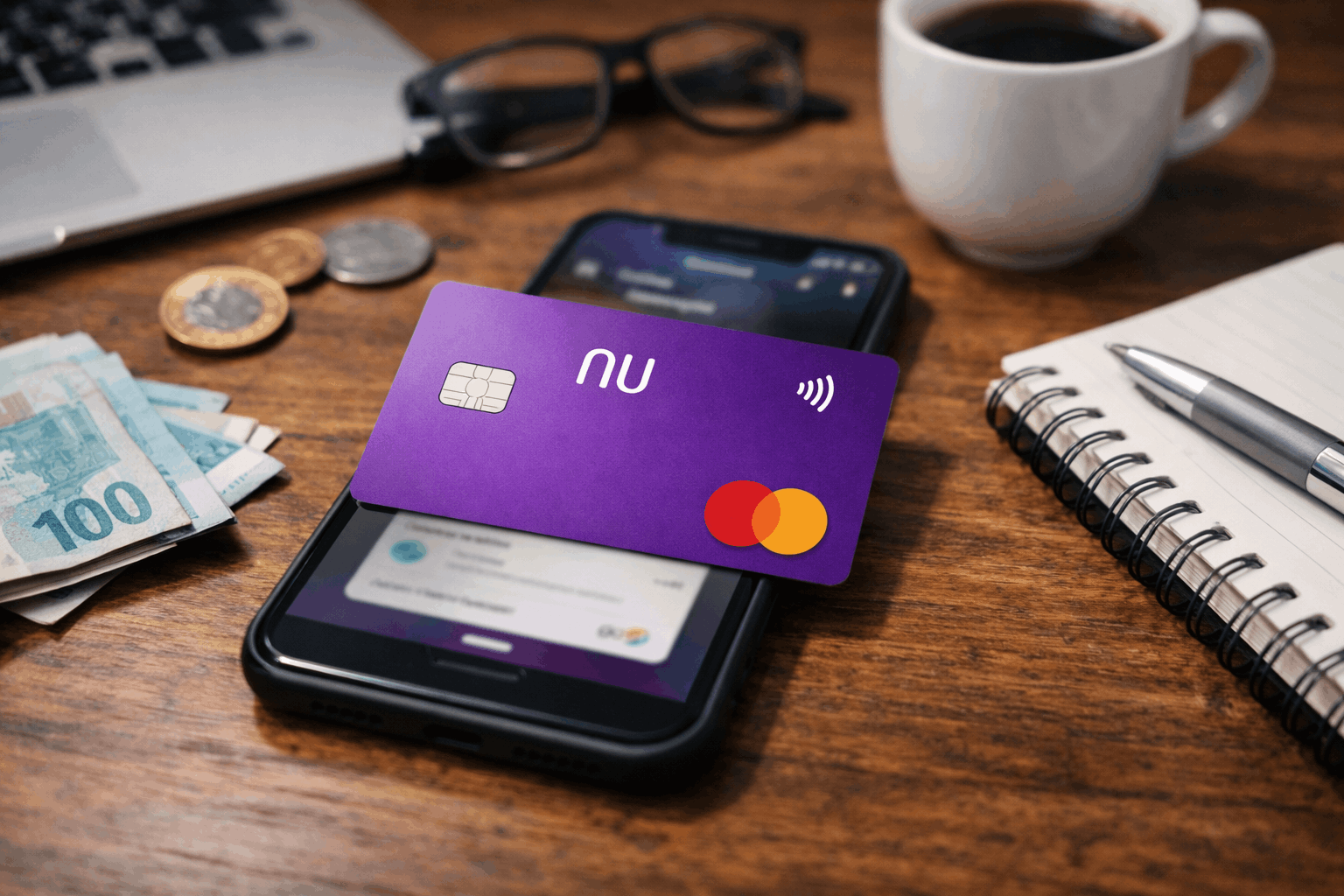
Nubank issues a Mastercard credit card that you manage through the Nubank app as your main channel.
Approval and limits depend on internal analysis, so not every applicant receives the same result.
The card is widely used for daily purchases, online shopping, and international spending where Mastercard is accepted.
Most features, including invoice tracking and controls, are designed to be self-serve inside the app.
Core features you can expect
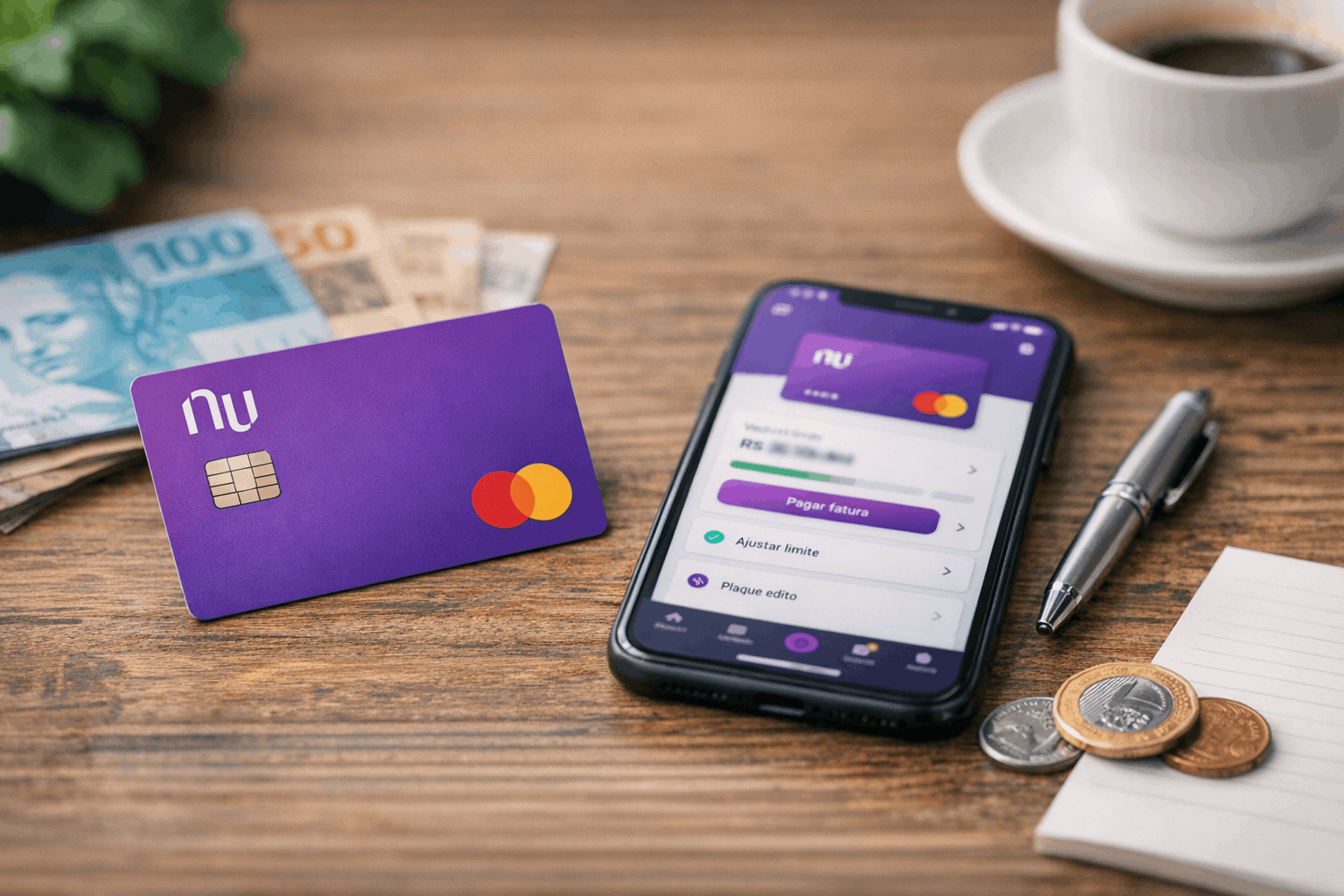
The Nubank app is the central place to see your invoices, due dates, and transaction history.
You can typically control settings like locks and notifications in-app to reduce surprises during the month.
If you pay at least the minimum, the remaining balance can move to installment options instead of staying open-ended.
How Nubank handles revolving and installments
If you don’t pay the full invoice, the unpaid amount can enter revolving credit with daily interest until you pay it.
Nubank also explains that paying at least the minimum can trigger automatic installment of the remaining balance, depending on the case.
Installments are meant to create fixed payments, but they still include interest and taxes like IOF in Brazil.
| Pros | Cons |
|---|---|
| No traditional annual fee for the standard Nubank credit card. | Revolving interest can be very high. |
| Fully digital management through the Nubank app with real-time invoice tracking. | Approval is subject to internal credit analysis and is not guaranteed. |
| App-based controls for lock, limit visibility, and transaction monitoring. | Interest ranges vary by profile, so your exact rate may be on the higher end. |
| Option to installment invoice balance with fixed payments. | Late payment includes 2% fine plus interest and “mora” charges. |
| Widely accepted through Mastercard network, including international purchases. | Cash advance (saque) carries high interest. |
| Transparent display of rates in contracts and invoice details. | Primarily digital service, which may not suit users who prefer physical branches. |
| Official support channels including phone, ombudsman, and in-app chat. | International purchases may include IOF tax under Brazilian regulations. |
Eligibility and what to prepare
Nubank’s application is digital, so most steps require a working phone, internet access, and basic personal data.
Your approval is based on analysis, so meeting the basics does not guarantee acceptance.
Having clean and consistent information helps avoid delays when the system checks your registration details.
It also helps to keep your documents accessible so you can finish verification without stopping midway.
Basic profile requirements
You typically need valid personal identification and a CPF to complete the registration process in Brazil.
You should use your own phone number and email to avoid verification blocks and security flags.
If the app requests extra data, provide it exactly as it appears on official documents to prevent mismatches.
Documents and data you may be asked for
You may be asked to confirm identity with a photo and basic document data during the signup flow.
You may also need to confirm address details, since delivery and account verification depend on correct location data.
Keep your information updated because inconsistencies can slow review or lead to a request to redo steps.
Step-by-step application in the Nubank app
The fastest path is usually applying directly through Nubank’s official app, because the card is app-managed.
You should complete the form calmly, because mistakes in CPF, address, or contact details can cause rework.
After you submit, the review time can vary because the analysis depends on your profile and internal criteria.
If approved, the next steps generally involve confirming delivery details and starting card setup inside the app.
Applying from your phone
Download Nubank’s app only from the official app store on your device to reduce scam risk.
Create your account, follow identity checks, and submit the card request when the option appears in the app flow.
Use real and current data because Nubank may validate details as part of fraud prevention and credit review.
What happens after you submit
You may receive status updates in the app, and you should rely on the app instead of random messages online.
If Nubank needs more details, it can ask you to provide extra information or redo a verification step.
If approved, you can typically start controlling limits, due dates, and notifications through the app interface.
Interest rates and main charges to understand
Nubank lists revolving credit card interest as 2.75% to 19.99% per month.
Nubank lists invoice installment (parcelamento da fatura) interest as 0.99% to 19.75% per month.
For late payment, Nubank lists interest of 1.99% to 20.99% per month (interest plus 1% monthly “mora”), plus a 2% late fee.
For cash advance (saque com cartão de crédito), Nubank lists 9.75% per month interest.
Customer support and official contact details
Nubank lists 4020 0185 for capitals and metropolitan regions in Brazil.
Nubank lists 0800 591 2117 for other locations, and it also provides an ombudsman number 0800 887 0463.
For suspected card fraud or urgent protection topics, Nubank also references 0800 608 6236 in its help content.
Nubank’s “Dados Abertos” page lists Nu Pagamentos S.A. with address Rua Capote Valente, 39, Pinheiros, São Paulo – SP, CEP 05409-000, Brazil.
Final checklist for a smooth application
A clean application is usually about accuracy, consistency, and fast responses to any verification request.
You should avoid rushing the form, because a small mistake can trigger extra review steps.
If approved, you can reduce costs by paying the full invoice and avoiding revolving credit whenever possible.
Disclaimer: This article is for general information and does not replace Nubank’s official terms, invoice details, or app disclosures. Credit approval, limits, and exact rates can vary by customer profile, and the definitive numbers are shown in your contract and invoice. If you have doubts, contact Nubank through the official channels listed above or through the in-app chat. Always confirm you are using official contacts, because fake support numbers can appear online and lead to scams.