The PicPay Credit Card is requested and managed inside the PicPay app, with key actions like limits, invoices, and support handled digitally.
It is part of the broader PicPay services ecosystem that includes a digital wallet and card features in the same environment.
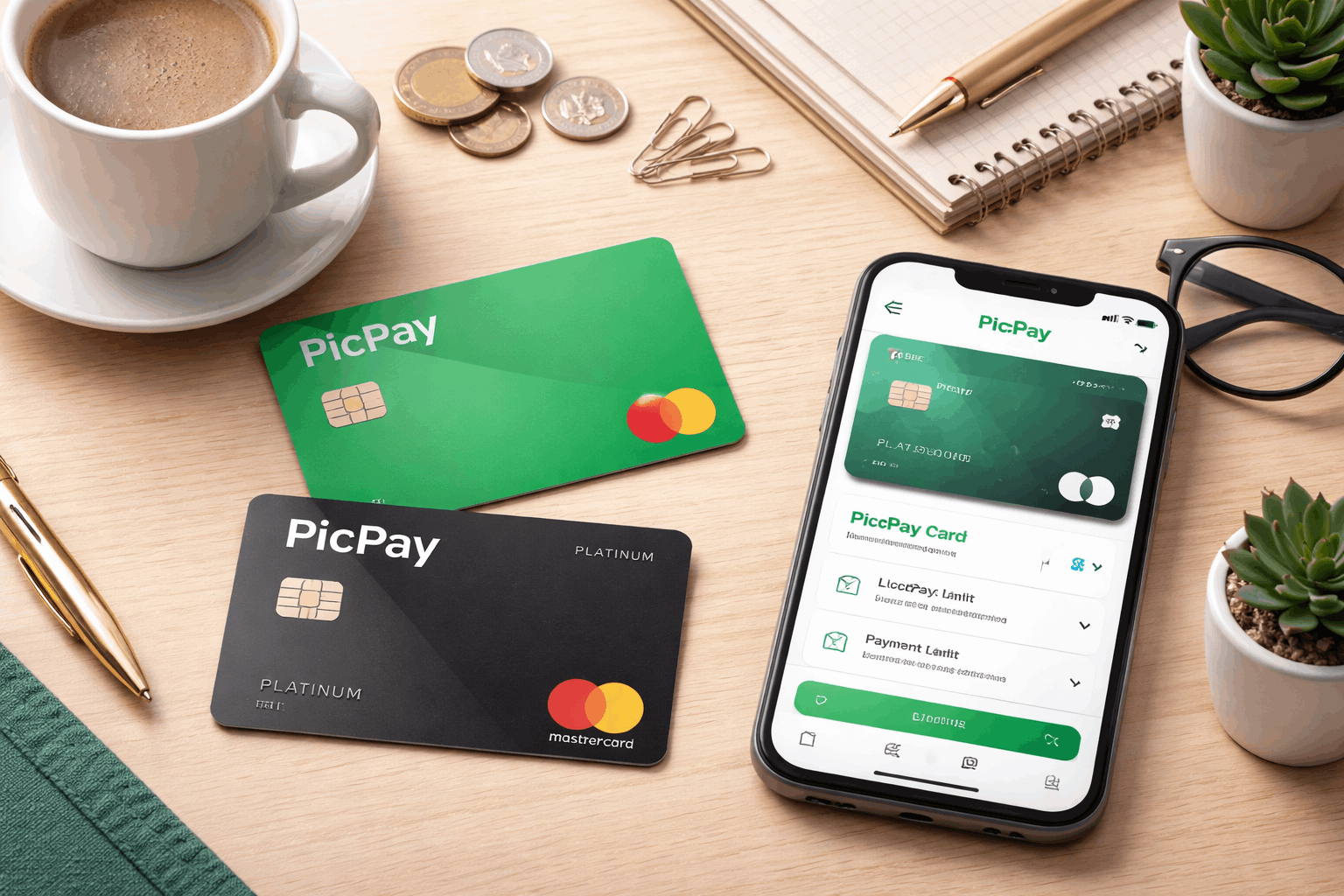
Some versions of PicPay’s cards include cashback structures, such as Platinum and Black tiers, which are tied to specific card versions and conditions.
How it typically fits into a digital money routine
The card is designed to work alongside an app-first account experience, where spending and billing are monitored in real time.
Common tasks like checking invoices, verifying due dates, and confirming payments are structured around the app flow.
If you already use PicPay’s wallet features, the card can feel like an extension of an existing daily payments setup.
Versions and benefits you may see in the app
Some PicPay card versions advertise cashback percentages that vary by tier, such as 0.5% for Platinum and 1.2% for Black.
Benefits can depend on the exact card type you hold, so the experience may differ between basic versions and premium tiers.
If fees apply to a specific tier, they are tied to that version rather than being universal across every PicPay card.
Eligibility and what to prepare before applying
You apply through the PicPay app, so having an active account and access to the app is part of the practical starting point.
Approval commonly depends on internal analysis and eligibility checks that can change over time and vary per person.
Your limit can be adjusted based on criteria and periodic reviews, including increases, reductions, or cancellation for inactivity under stated conditions.
If you plan to rely on the card for monthly spending, it helps to prepare for invoice discipline and avoid revolving financing whenever possible.
Basic account readiness checklist
You need the PicPay app and the ability to access in-app help if anything blocks verification or onboarding steps.
You should be ready to confirm personal data and keep your account secure, since support channels warn against sharing sensitive access codes.
If you cannot access your account, PicPay provides a guided help entry point through the app interface.
What information is typically used during review
Credit decisions can involve internal criteria and periodic reassessments, including how limits are maintained or revised.
Some card structures reference “cofrinho” or stored-value mechanisms in the card model, which can be tied to how limits are composed in certain configurations.
Your final offer details, including financing options and any applicable rates, are presented through app screens.
Easy application process inside the app
The application flow is designed to be completed digitally, using the app as the primary interface for requesting and managing the card.
If you run into trouble, the recommended path is the in-app help experience first, with phone support available as an official channel.
After approval, management actions like viewing invoices and understanding payment options are structured around the monthly billing cycle shown in the app and fatura.
Escalations that are not resolved through primary support can be redirected to ouvidoria using the official process and hours.
Step-by-step request flow
Start by opening the PicPay app and navigating to the card area, where the request option is presented if you are eligible.
Follow the prompts to confirm details and submit the request, then monitor the app for the next status updates.
If identity or access issues occur, the app’s help entry points and official support channels are the fastest way to keep the request moving.
What happens after approval
Limits can be granted and later adjusted by periodic analysis, and the app may allow configuration up to a maximum approved value.
If the card is not used for an extended period, it can be treated as inactive with potential limit reduction or cancellation under the stated rule.
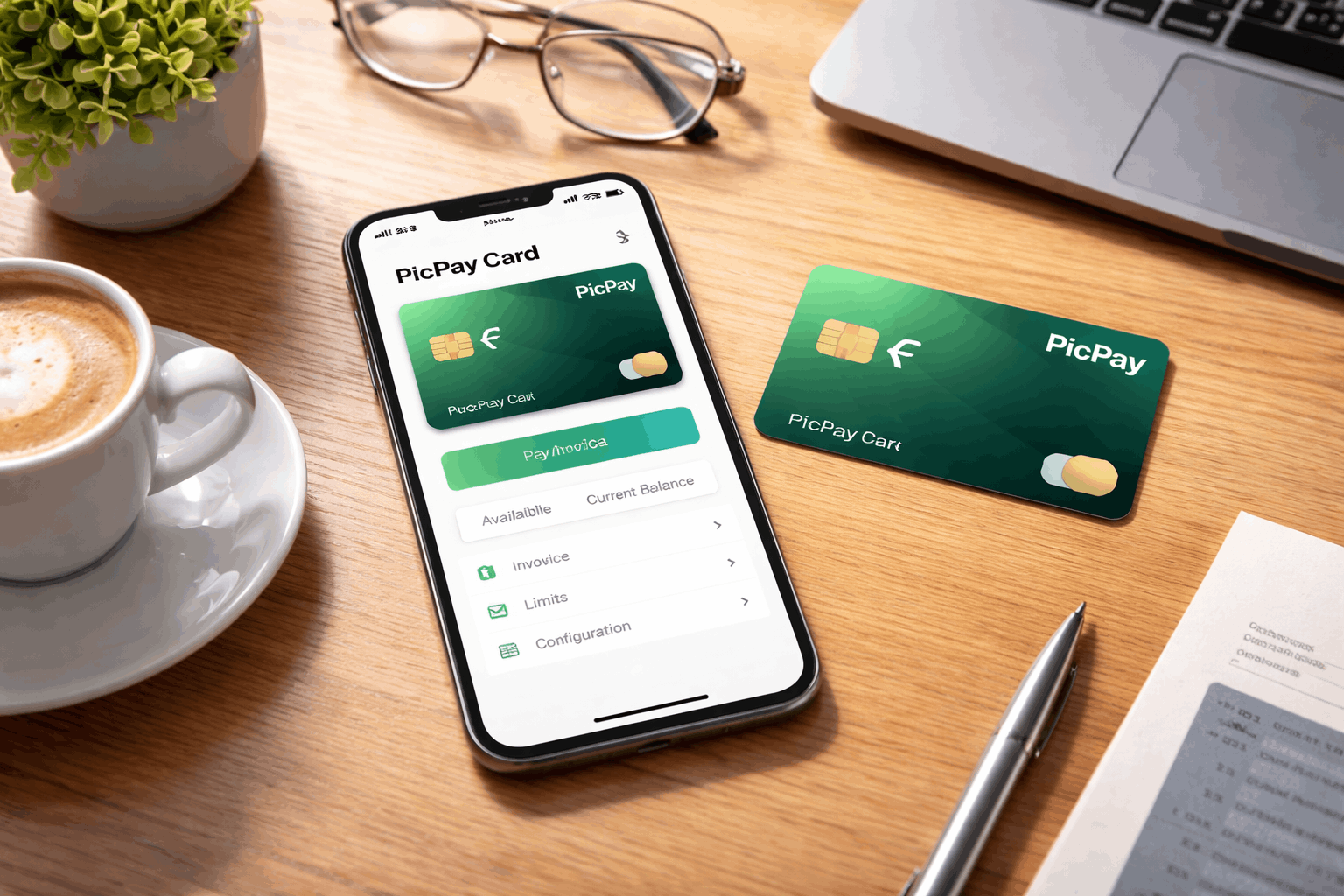
Your billing cycle, minimum payment, and total payment options appear on the invoice details used for monthly management.
Managing the card, invoice, and payments
Monthly management revolves around the fatura cycle, where totals, minimum payment, and other payment options are displayed.
If you do not pay the full amount, you may enter financing modes, and understanding those modes matters because costs can rise quickly.
PicPay highlights that its PicPay Card minimum payment is set at 15% of the total in the referenced guidance article.
If the invoice is paid below the required threshold or not paid, it can trigger late handling and potential account consequences.
Minimum payment and credit rotativo basics
Paying only the minimum can activate revolving credit, where the remaining balance carries over with added costs.
Rules referenced by PicPay also explain that rotating balances are constrained in time and can shift into installment solutions.
If you are offered installment alternatives, they are positioned as less expensive than staying in revolving credit.
Avoiding common payment problems
If a fatura becomes overdue, consequences can include charges, credit function blocks, and negative credit reporting outcomes.
The safest routine is paying the full invoice by the due date to avoid revolving and late charges.
If something goes wrong, using official support channels quickly is important because billing issues are time-sensitive.
Interest rates and fees you should understand
Interest rates on credit card financing are not a single fixed number for every user, so your actual rates are shown in your invoice and product screens.
Late payment rules in the PicPay credit card contract include a 2% fine and 1% per month moratory interest, plus IOF, alongside remuneratory interest.
The contract also explains that remuneratory interest rates are informed on the fatura and can apply to revolving credit or other financing modalities.
If you are considering financing, treat the invoice disclosure as the source of truth for your exact monthly and annual costs.
Contact information
PicPay’s official general support phone is 0800 025 8000, and ouvidoria support is 0800 025 2000 on business days from 9h to 18h.
An official address is Avenida Manuel Bandeira, 291, Condomínio Atlas Office Park, Vila Leopoldina, São Paulo/SP, CEP 05317-020.
Conclusion
If your goal is an easy application, keep the process simple by applying in-app and watching status updates.
PicPay Credit Card – Easy Application Process works best when you plan for a full monthly payment.
Disclaimer: This article is for general information and does not replace the terms shown in the PicPay app, your invoice, or your contract screens. Rates, limits, and eligibility can vary by customer and can change over time, so always confirm the numbers displayed in your own fatura before accepting financing.