If you want flexible delivery work in Brazil, iFood driver and courier jobs are a common place to start. Many first-time applicants apply without understanding the approval steps, required documents, and daily workflow expectations.
This starter guide explains what to prepare, how registration works, and how to begin delivering with fewer errors and fewer delays.
What iFood Courier Work Looks Like In Practice
Before you apply, it helps to understand how delivery actually runs on a typical day.
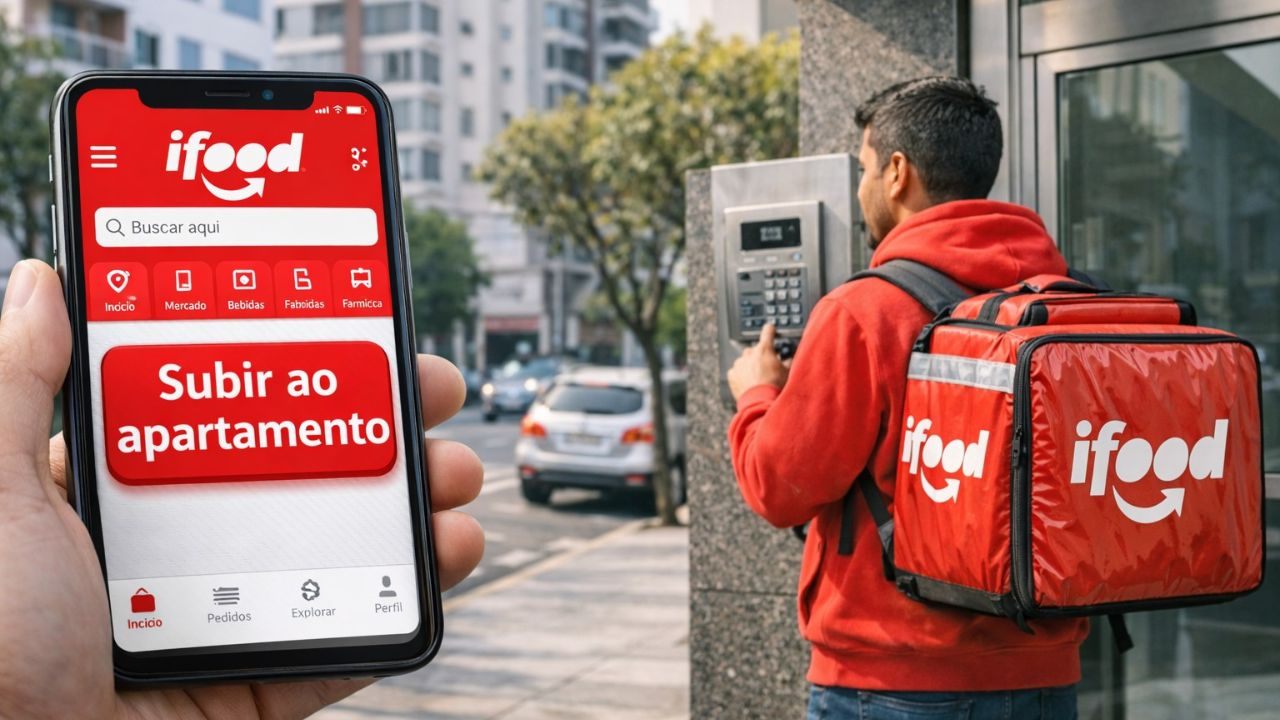
iFood connects customers, restaurants, and couriers through an app-driven order flow that rewards consistency and speed. Your earnings and routine can change based on your city, peak demand, and how you plan your shifts.
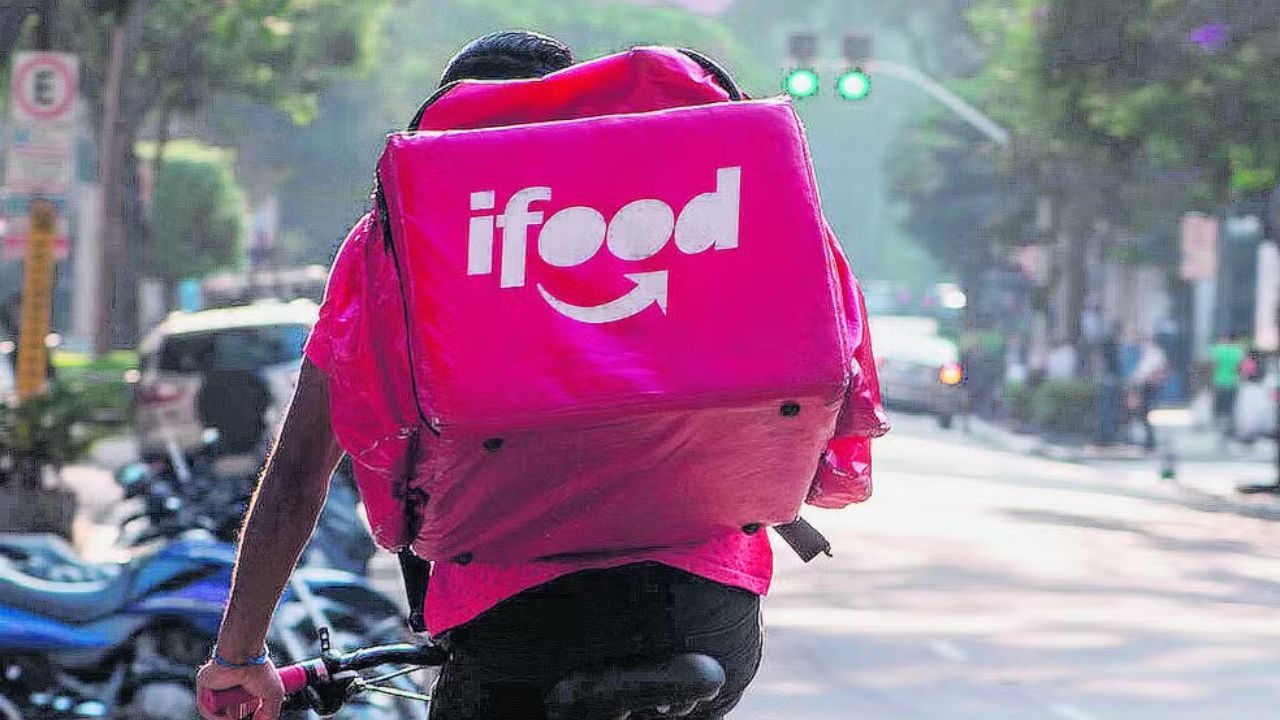
Most new couriers struggle because they underestimate waiting time, traffic, and pickup delays. If you approach it like a structured job, your first weeks become more predictable.
Typical Order Flow From Acceptance To Drop Off
You usually receive an offer, review the distance and details, then accept and head to the pickup point. At the restaurant, you confirm the order, wait if needed, and secure the items before leaving.
You then navigate to the customer address, complete the drop off, and confirm delivery in the app.
Small mistakes, like leaving without checking the bag or missing building instructions, often create delays. A calm routine with quick checks protects your time, your ratings, and your support interactions.
Where Couriers Spend Time And How To Plan Your Route
A large part of your shift can be spent waiting, not riding or driving, especially at peak meal times. You may wait at restaurants with high demand, in traffic, or at buildings with strict access rules.
Planning matters because the most profitable hours often come with the most congestion and pressure.
If you choose zones with dense restaurants and reliable pickup speed, your day flows better. Over time, tracking which areas create fewer delays helps you stay active and reduce wasted minutes.
Who Can Apply And What You Need To Qualify
Most rejections happen because applicants miss basic eligibility details or upload incomplete information.
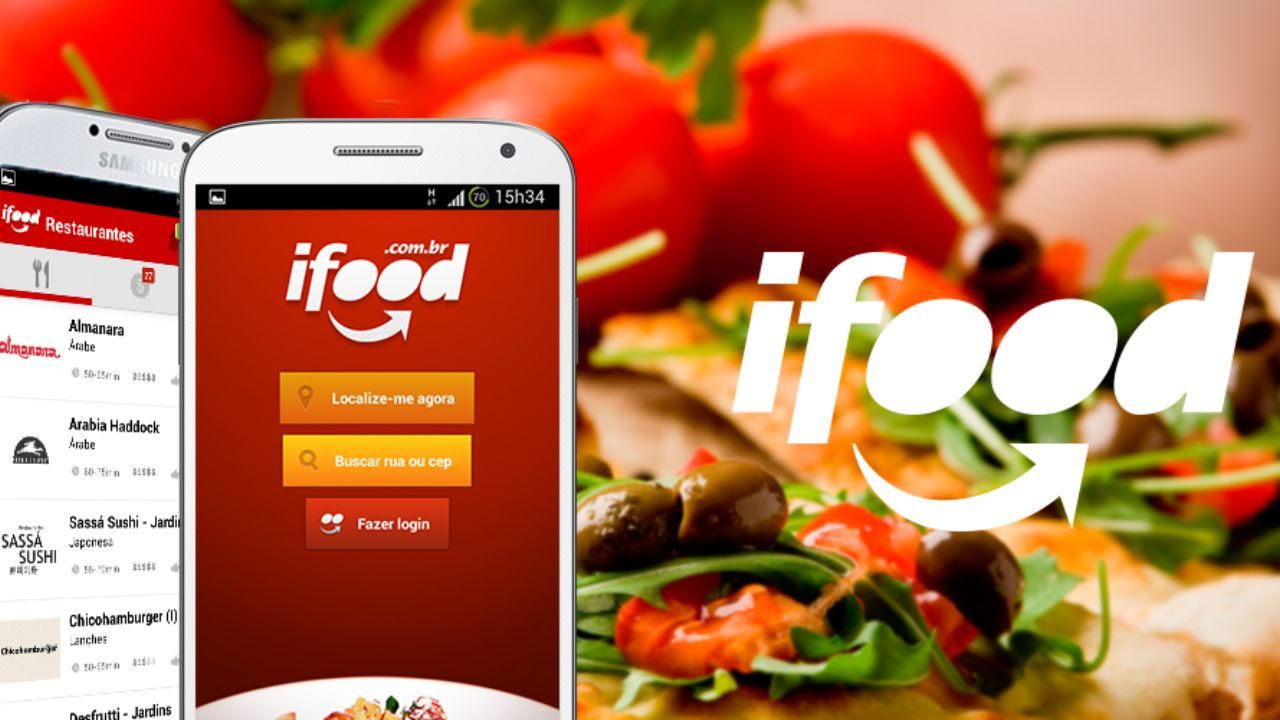
Your goal is to confirm you meet minimum standards and can prove it quickly during registration. Requirements can vary by role type and local rules, so you should follow what the app requests during signup.
Still, the usual expectations include verified identity, contact details, and a reliable phone setup. If you prepare these early, you can complete your application with fewer interruptions and corrections.
Eligibility, Documentation, And Basic Profile Standards
You typically need to meet minimum age rules and provide valid identification to complete verification. In Brazil, many platforms rely on CPF-based identification and consistent personal data during registration.
Your name, document numbers, and photos must match exactly, because mismatches often trigger manual review or rejection.
Use clear, well-lit images with readable text and avoid cropped corners or blurred sections. A complete profile with accurate address and contact data helps approval move faster and reduces follow-up requests.
Vehicle Options And What Each One Requires
Your track can depend on whether you deliver by bicycle, motorbike, car, or on foot in some areas. Motorbike and car delivery usually require valid licensing and vehicle documentation aligned with the platform’s rules.
Bicycle delivery still requires strong safety habits, reliable maintenance, and a phone setup that works outdoors.
Some cities have local requirements or limited coverage areas, so availability can shift by region. Pick a track you can sustain daily, because switching later can require new verification and delays.
What To Prepare Before You Submit Your Application
A clean preparation phase reduces the most common causes of stalled applications. You want your documents ready, your device stable, and your payout method prepared so you can complete forms in one session.
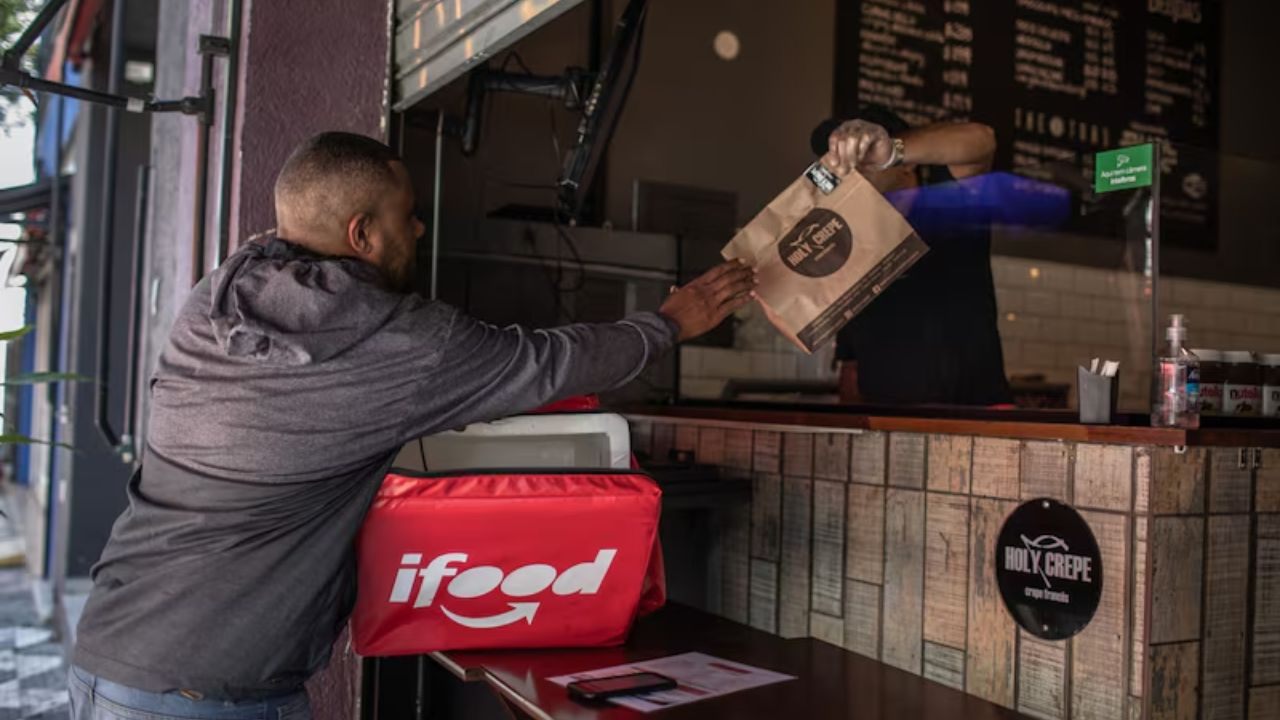
Many people rush to sign up, then spend days fixing mismatched details or resending photos.
Treat registration like a compliance task, because accuracy matters more than speed in approval. When you prepare your work kit early, you also avoid starting your first shifts without basic safety and organization.
Documents, Photos, And Name Matching Rules
Prepare your main ID documents and make sure the data matches what you will type into the app. Take photos in bright light, with the full document visible, and avoid reflections that hide numbers.
Use the same spelling and formatting for your name across every field, including accents if required.
If the platform asks for a selfie check, follow the instructions closely and avoid hats or heavy filters. Clean, consistent uploads reduce manual reviews and help your application move through screening faster.
Payment Setup And Basic Work Tools You Should Have
Most couriers need a reliable payout method and accurate banking details to avoid payment delays. Double-check account numbers and holder name fields, because errors can block transfers or create long support tickets.
You also need a smartphone with stable internet, enough storage for app updates, and a power plan for long shifts.
Bring a charger or power bank, because battery failure can end a shift early. A delivery bag and basic protective gear improve order safety and reduce complaints tied to damaged items.
How To Apply Step By Step Through Official Channels
Applying is usually straightforward, but the details matter because verification depends on clean data and complete steps.
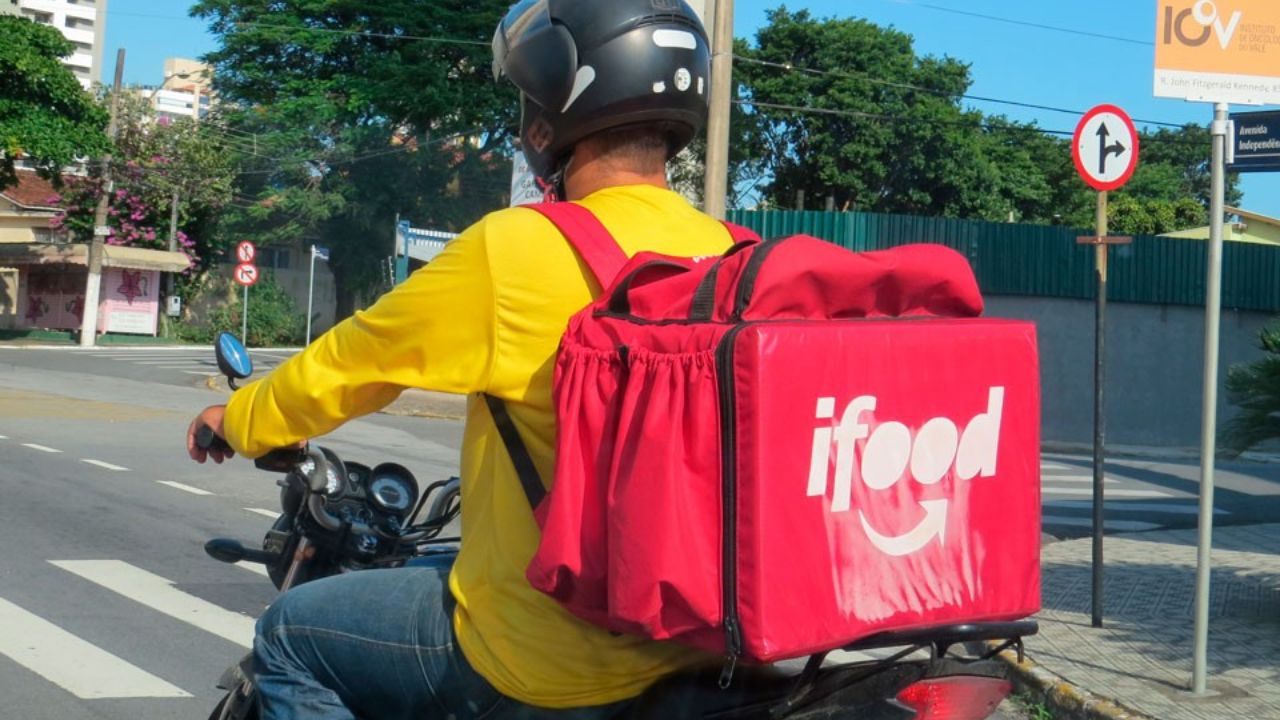
Start by using the official iFood courier registration path and avoid relying on unofficial reposts or outdated instructions.
Follow the flow in order, because skipping steps can freeze your profile in review. The best approach is to complete your profile, upload documents carefully, and confirm every field before final submission.
When you treat it as a controlled process, you reduce rework and avoid waiting on preventable corrections.
Registration Steps And Common Errors That Trigger Rejection
You typically create an account, enter personal details, select your delivery method, and upload required documents. The most common errors include blurry photos, mismatched names, wrong document numbers, and incomplete address fields.
Another issue is submitting with an unstable internet, which can cause partial uploads that look complete on your side.
After submission, check for status updates and respond quickly if the app requests corrections or extra verification. Fast, accurate responses keep your application moving and reduce the chance of being archived or delayed.
Approval, Activation, And First Shift Setup
After verification, you may receive approval, then complete activation steps before you can accept deliveries. Activation can include app orientation, safety guidelines, and confirming your payment settings and delivery preferences.
Once active, test your phone connectivity, notification settings, and location accuracy before you go online.
Start with shorter shifts to learn pickup routines, building access patterns, and common customer instructions in your area. A controlled first week helps you avoid mistakes that can lead to cancellations, low ratings, or support disputes.
Your First Week: How To Work Safely And Keep Ratings Strong
Your first week sets your habits, and habits drive outcomes like acceptance, cancellations, and customer feedback.
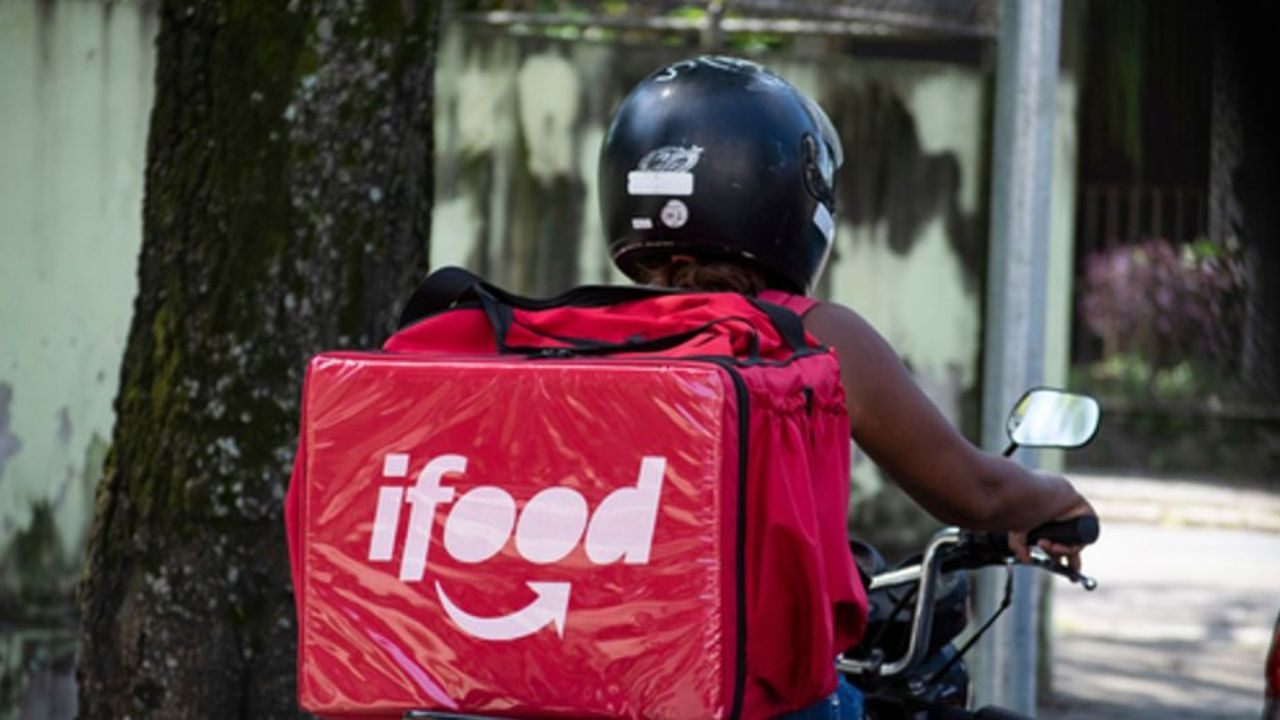
You need a routine that balances speed with accuracy, because rushed deliveries often create errors that cost more time later.
Safety matters because incidents stop income immediately and can also affect your ability to stay active.
Communication matters because customers and restaurants respond better when updates are clear and concise. If you focus on reliability and clean execution, you build a stronger base for steady work.
Order Acceptance, Timing, And Smart Shift Planning
Accept orders you can complete reliably based on distance, traffic, and restaurant speed, especially early on. If you accept too aggressively, you risk late deliveries, cancellations, and stress that hurts performance.
Work peak hours when demand is higher, but identify which zones cause long waits. Keep your route simple and avoid complex multi-stop patterns until you understand your area well.
A steady acceptance routine with realistic timing protects your ratings and helps you stay consistent across shifts.
Customer Communication, Delivery Proof, And When To Use Support
Keep customer messages short, factual, and focused on delays or access issues that they can act on. Always confirm you are at the correct address and follow drop-off instructions to avoid disputes.
Use the app’s confirmation steps carefully, as delivery proof protects you if your order is questioned later.
If a restaurant cannot fulfill an item or a customer is unreachable, contact support promptly rather than guessing. Clear documentation and timely support use reduce conflicts and keep your account history cleaner over time.
Conclusion
If you want a practical entry point into delivery work, iFood can be a realistic option when you apply with accurate details and follow the official steps carefully. Focus on clean document photos, a stable phone setup, and a payout method that matches your identification.
After approval, build habits around safe riding or driving, accurate pickups, and clear delivery confirmation to reduce disputes. When you manage timing and use support early for issues, you protect your ratings and stay consistent over time.